Rivian Antigravity Theme

Deezwatts Rivian Dark: Adventure Gear for Antigravity (VS Code)
Section titled “Deezwatts Rivian Dark: Adventure Gear for Antigravity (VS Code)”A premium, high-contrast dark theme inspired by the rugged yet refined aesthetic of Rivian electric vehicles. Designed for developers who build for the future, whether from a desk or the tailgate of an R1T.
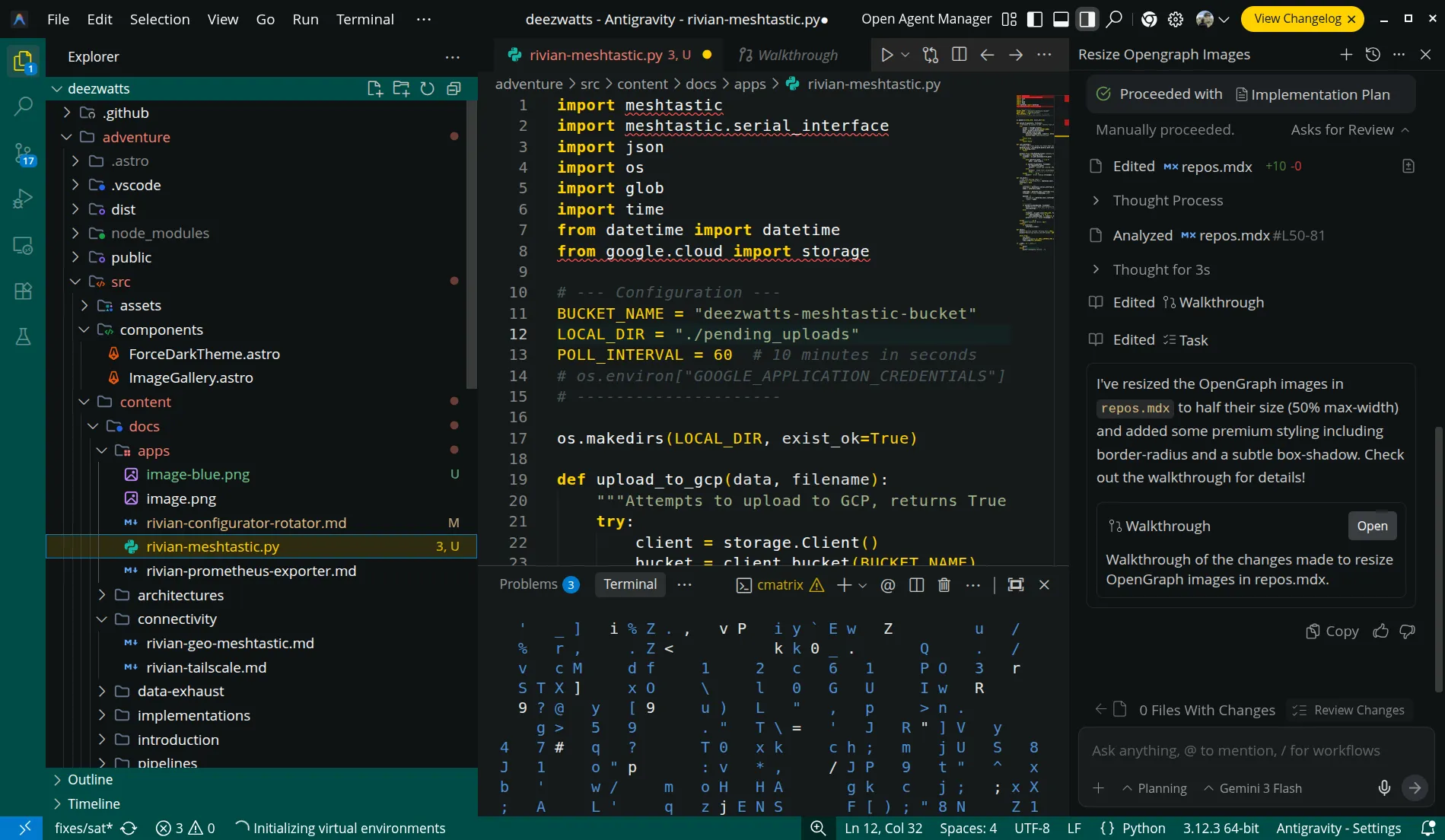
The Aesthetic
Section titled “The Aesthetic”This theme captures the “Electric Adventure” spirit by balancing deep Earth-toned neutrals with the iconic Compass Yellow accents found in Rivian’s UI and badging.
- Background: Midnight Sky (
#151A1B) - Accents: Compass Yellow (
#FFD200) - UI Elements: Forest Edge Green (
#004C46) Rivian Blue (#004C46) - Typography: Crisp Cloud White (
#F5F6F7)
📸 Preview
Section titled “📸 Preview”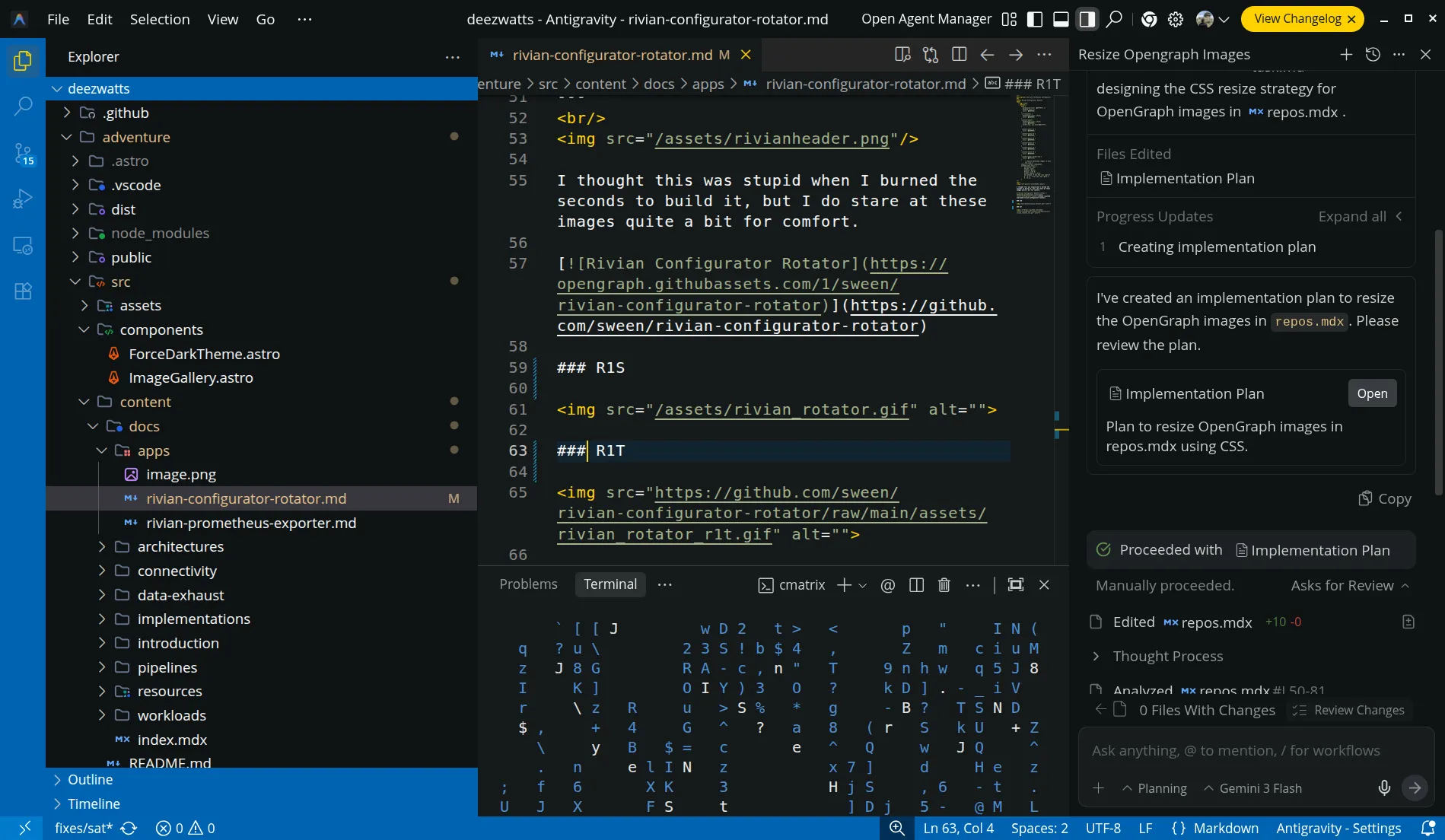
🛠 Installation
Section titled “🛠 Installation”- Open Antigravity.
- Download the Extension from the Deezwatts page.
- Drag the
deezwatts-rivian-0.0.2.vsixfile into the Extensions view (Ctrl+Shift+X). - Search for
Deezwatts Rivian Dark(if published) or Install from VSIX via the...menu. - Set your Color Theme to Rivian Dark Adventure.
Recommended Settings
Section titled “Recommended Settings”For the full “Digital Dashboard” look, add these to your settings.json:
{ "editor.fontFamily": "'Inter', 'Roboto Mono', monospace", "editor.letterSpacing": 0.5, "editor.cursorStyle": "line", "editor.cursorBlinking": "expand"}