Rivian Tailscale

Wireguard
Section titled “Wireguard”Beyond standard cellular or Wi-Fi handoffs (and even the NATS integration from last year), my Rivian maintains a persistent, encrypted heartbeat to my home flat network using the bomb ass Tailscale (Wireguard) mesh overlay. This ‘always-on’ network overlay effectively treats the vehicle as just another node on the LAN to the Edge, regardless of whether it’s parked in the garage or traversing the backcountry of Michigan. This seamless integration eliminates the complexity of traditional VPN toggles, providing low-latency access to home-hosted services and secure telemetry pipelines. Most significantly, this robust connectivity layer transforms the vehicle from a mobile endpoint into a viable compute target, hinting at a future where I can orchestrate and schedule pods directly to the vehicle’s compute and expose the services to the LAN.
# Add the Tailscale Helm repohelm repo add tailscale https://pkgs.tailscale.com/helm-chartshelm repo update
# Install the operatorhelm install tailscale-operator tailscale/tailscale-operator \  --namespace tailscale \  --create-namespace \  --set-string oauth.clientId=kbi3vdnGws11CNTRP \  --set-string oauth.clientSecret=tskey-client-kbi3vdnGws11CNTRP-allYerBassRBelongToUs \  --wait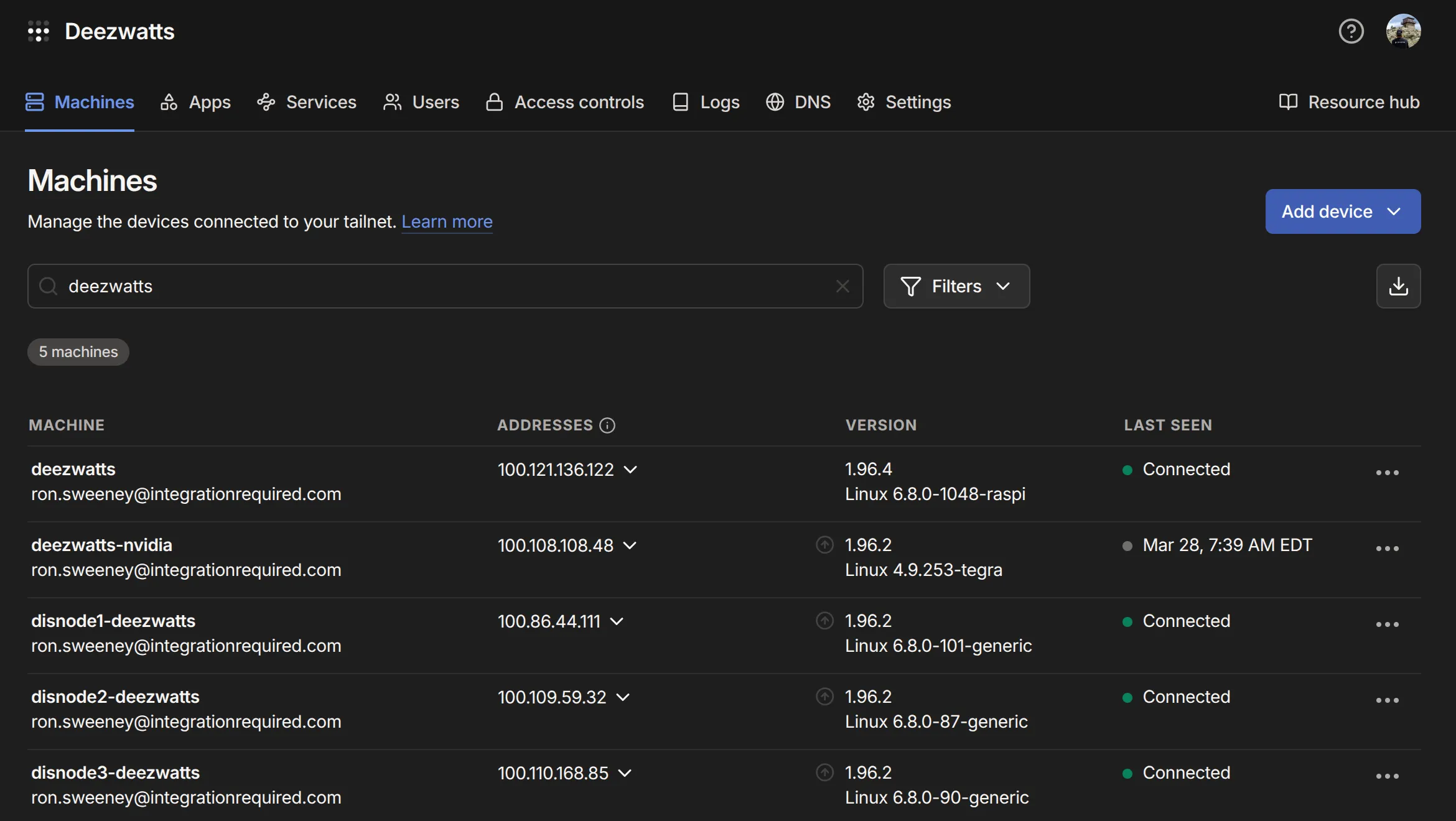
Wanna make your Connect+ subscription go farther? Configure your truck as an Exit Node! This way while your parked DTW for 3 days, and need your source routing to work for whatever and what have yous, your tailnet can be your source address to the world.