Rivian Slack/NATS Bridge

The Adventure
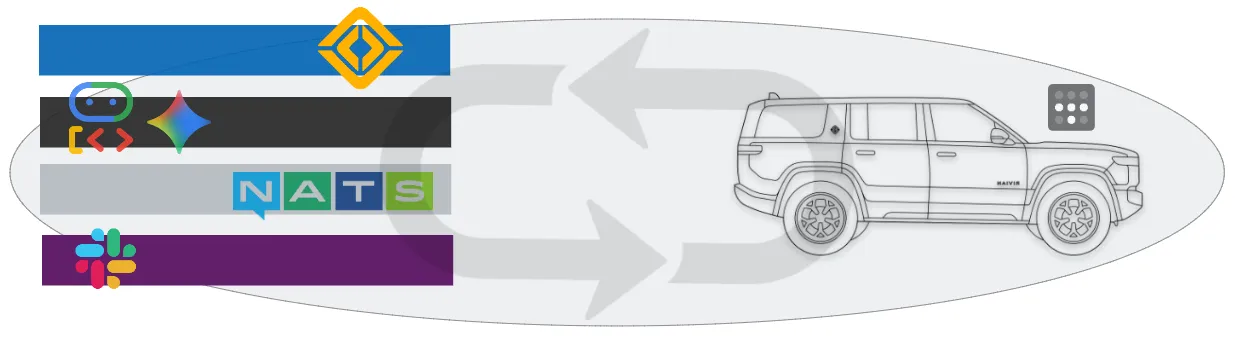
Section titled “The Adventure”The ultimate goal of this workload is to bridge the “dial tone” of the vehicle (NATS) with the collaboration tools I use every day (Slack). So I can talk to it from anywhere, and it can communicate back to me in a natural language way. Fundamentally, this is sort of an MCP server for the vehicle, where the rivian api and connected peripherals are the source of truth and Slack is the clown suit around it.
The Implementation
Section titled “The Implementation”To be clear here, I did not need to schedule any of this workload to the Whip itself, but I did it anyway, for the sake of the adventure.
-
Add Whip To The Tailnet
This is pretty straight forward, I just followed the tailnet documentation to add the whip to the tailnet, after registered I ensured that it came up on restart automatically. I am using the Tailscale Operator in the cluster.

-
Add Whip To The Cluster
We are running a simple 3 node Ubuntu Kubernetes cluster in the homelab, using commodity hardware.

-
NATS - Install Chart and Expose
Install the NATS chart and expose the service to the tailnet.
# Add the NATS Helm repositoryhelm repo add nats https://nats-io.github.io/k8s/helm/charts/helm repo update# Install NATS# We'll use a simple setup for Deezwattshelm install nats nats/nats --namespace deezwattsNow deploy a service that exposes the NATS service to the tailnet.
nats-deezwatts-external.yamlapiVersion: v1kind: Servicemetadata:name: nats-deezwatts-externalnamespace: deezwattsannotations:# This is the magic line that tells the operator to expose ittailscale.com/expose: "true"# This sets the name you'll use to connect (e.g., nats-server.tailnet-name.ts.net)tailscale.com/hostname: "nats-deezwatts"spec:type: LoadBalancerloadBalancerClass: tailscaleselector:app.kubernetes.io/name: natsapp.kubernetes.io/instance: natsports:- name: clientport: 4222targetPort: 4222
Now the dialtone is available at
nats://nats-deezwatts.tail8bd8b6.ts.net:4222 -
Slack - Create App and Bot
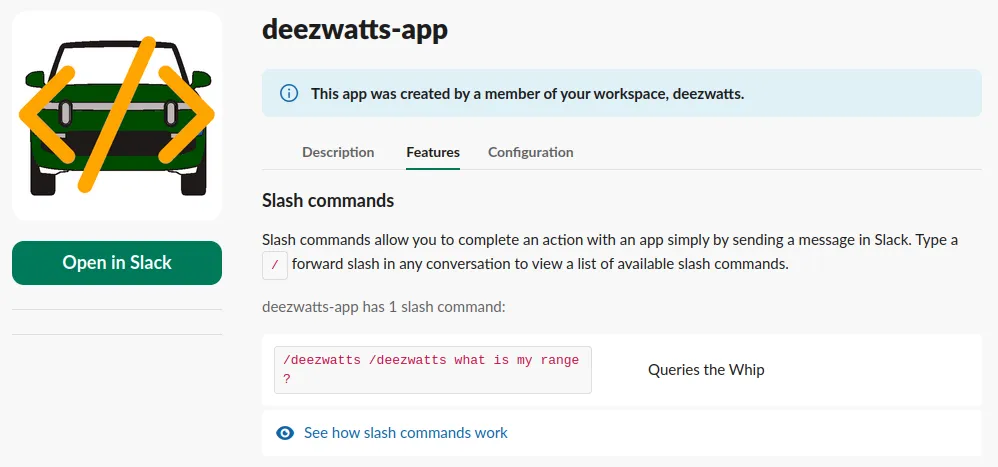
I followed the instructions from the clankers to create a slack app and bot, and configured the slash command to point to the NATS service. This entailed an app + bot (which was a tad confusing), the appropriate scopes, and the most elusive of all adding the app to a channel in addition to installing it in the workplace.
-
Gather the Variables
I created a bunch of things so far, and I needed to gather the variables from all of them to make them available to the slack bridge.
export SLACK_SIGNING_SECRET="xoxb-..."export SLACK_BOT_TOKEN="xapp-..."export NATS_URL="nats://nats-deezwatts.tail8bd8b6.ts.net:4222"export RIVIAN_USERNAME="sween+api@linux.com"export RIVIAN_PASSWORD="12345" # same as your luggageexport GEMINI_API_KEY="AIzaYourTokensNotMine..." -
Install the Rivian Slack Bridge
Wrapped it up in a quick chart, although it is just a pod with two slim python containers spun up with script entry points, a secret, scheduled with affinity to the whip.
Note here two I had to build the containers on the raspberry pi itself, as there are no multi-arch images for this workload. I am sure there is a way to do this with buildx, but I was in a hurry to get it working.
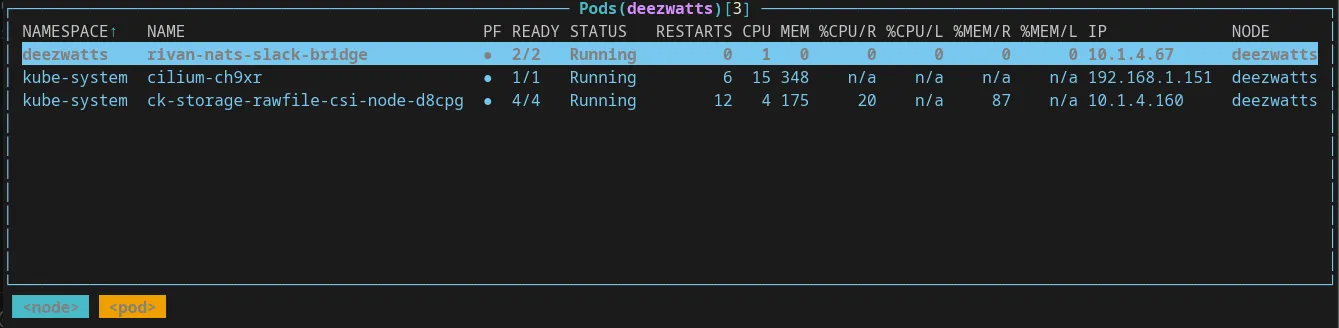
I have a very sloppy (ai sloppy, with no values.yaml) helm chart out there for this: https://github.com/sween/rivian-slack-nats-bridge
helm install rivian-slack-nats . --namespace deezwatts/slash command
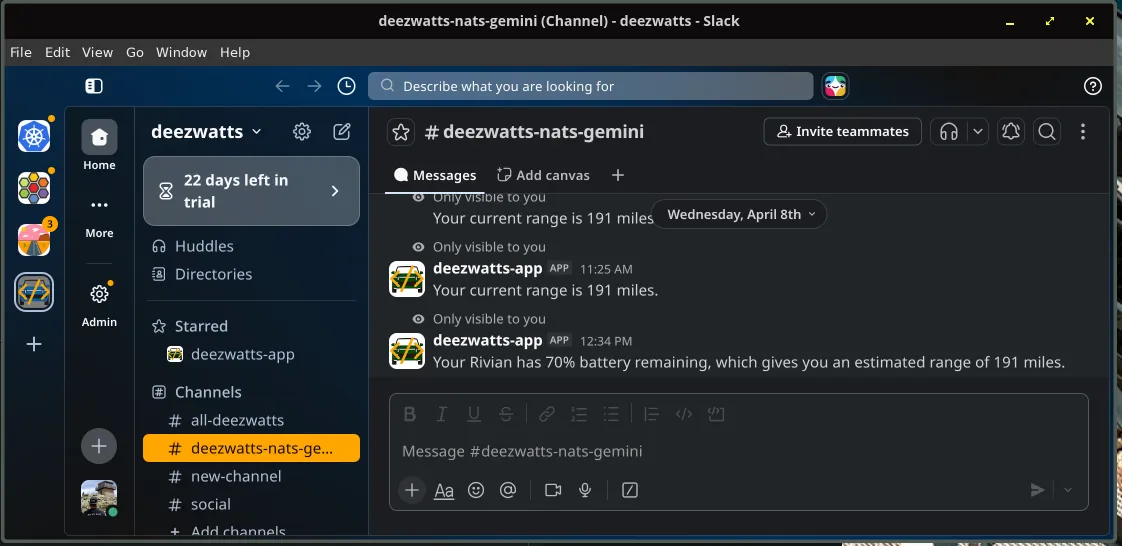
pod log
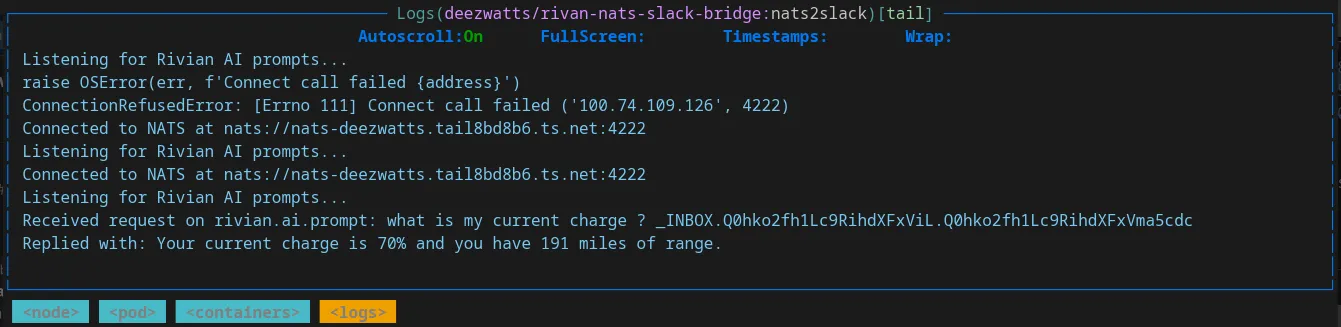
What is Going on Here
Section titled “What is Going on Here”Good question, I got it working before even I understood it, but here is a mermaid to understand the flow of information.
graph LR    Slack[Slack App] --> NATS[NATS]    NATS --> Gemini[Agent]    Gemini --> Rivian[RivianAPI]
    %% Return Path    Rivian --> Gemini    Gemini --> NATS    NATS --> Slack
The Attestation
Section titled “The Attestation”To talk to Deezwatts, execute a slash command in Slack in a shared channel, #deezwatts-nats-gemini.
/deezwatts How much range do I have ?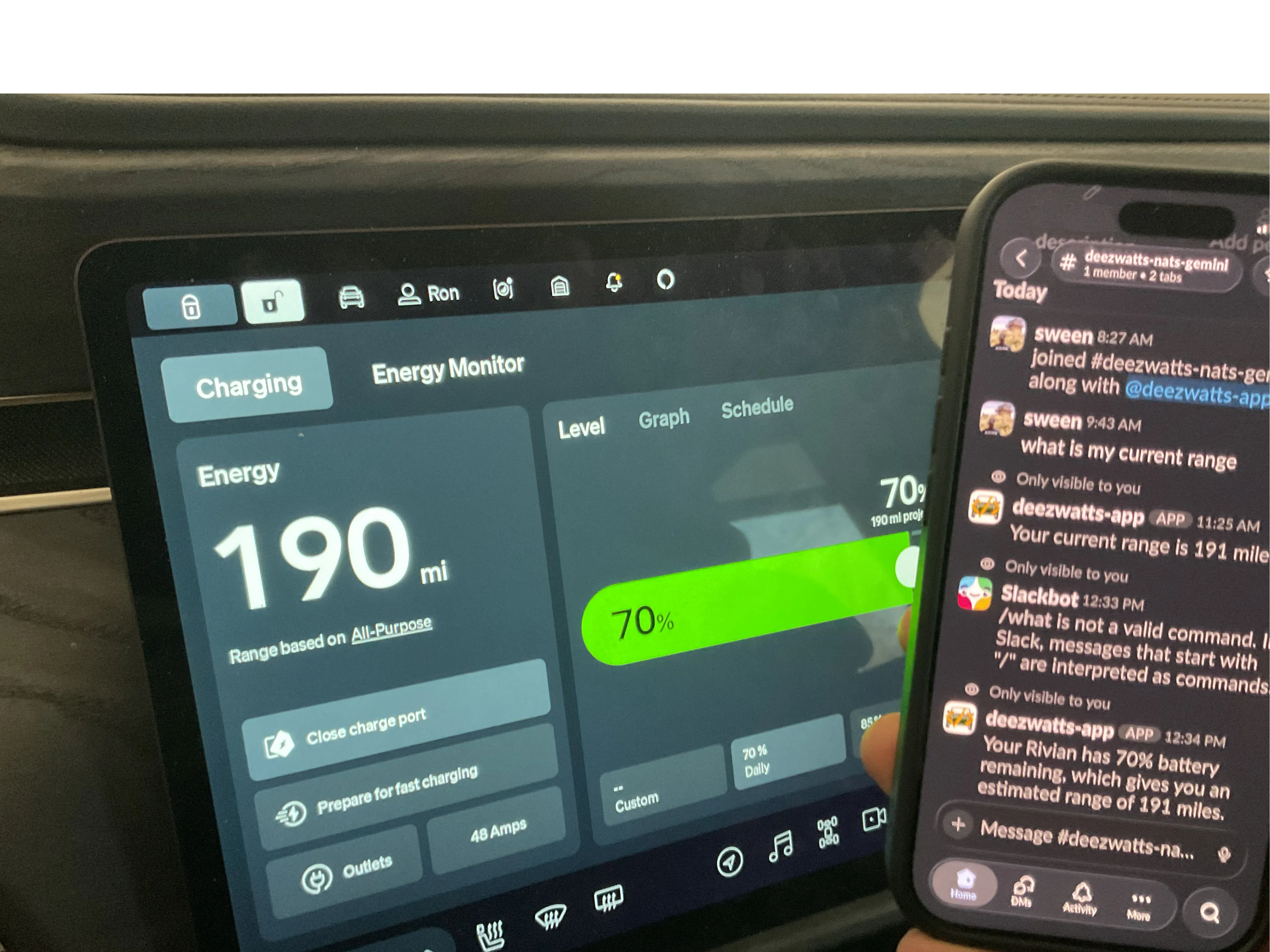
Not the cleanest attestation shot, but it does work, and it also looks like somehow I lost a mile in range running to get an ipad to take the picture because for some reason I failed to realize I cant use my phone to take a picture of my phone.
Now with this implementation, I indeed trigger these queries and build the tools that return them. But in time, I can receive real-time vehicle alerts—like Gear Guard triggers, climate updates, or low battery warnings—directly in a private Slack channel, regardless of where the truck is currently exploring with a reverse NATS bridge… so # TODO: I guess, pending the 429 rate limit monster.